Circuit Builder for Kids: Free Interactive Electricity Game
Teach electrical circuits with our free interactive circuit builder! Kids drag and drop batteries, bulbs, and wires to build working circuits through 8 progressive challenges. Perfect for 3rd-5th grade.
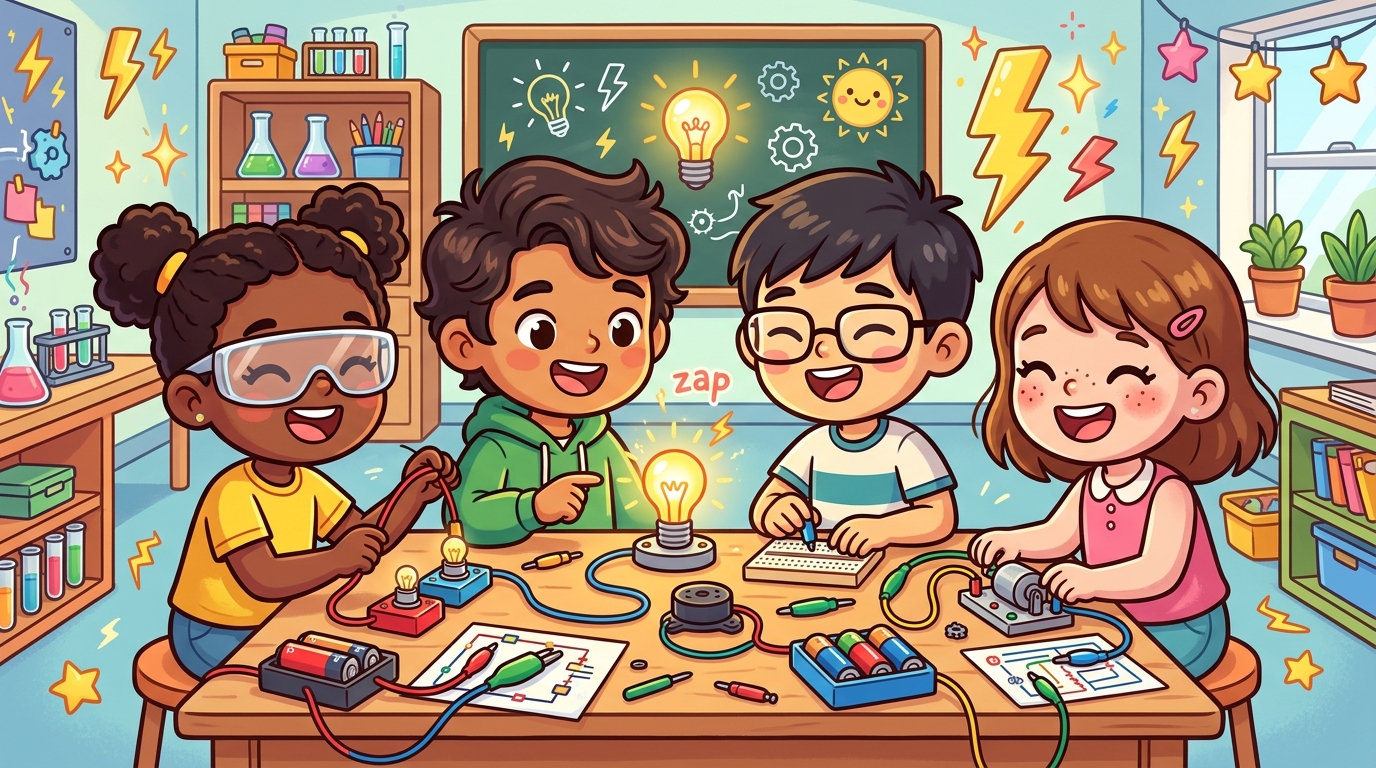
What makes a light bulb turn on? How does electricity get from a battery to a bulb? These are the kinds of questions that spark curiosity in young scientists — and building circuits is the best way to answer them.
Our Circuit Builder is a free interactive game where kids drag and drop batteries, bulbs, and wires onto a grid to build working circuits. No real wires needed, no safety concerns, and instant visual feedback when the circuit is complete!
What is an Electrical Circuit?
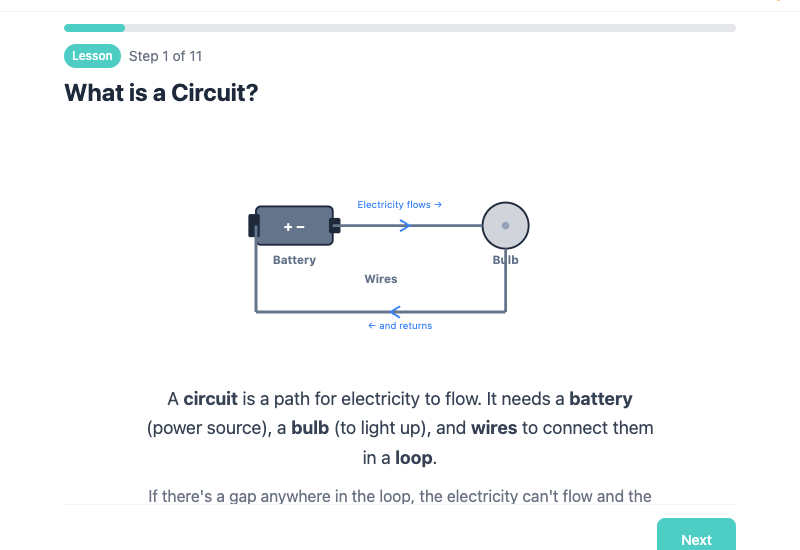
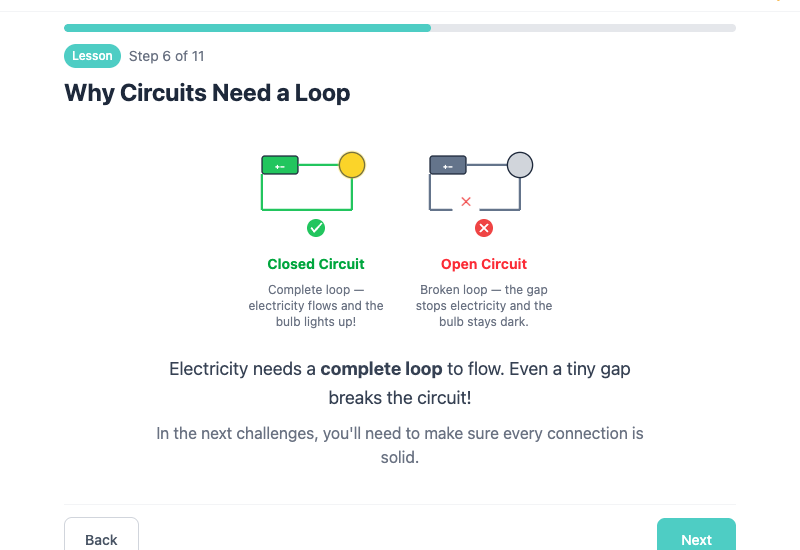
An electrical circuit is a path that electricity flows through. Think of it like a loop — electricity leaves the battery, travels through wires, powers something (like a light bulb), and returns to the battery. If there's a break anywhere in the loop, the electricity stops flowing and the bulb goes dark.
Every circuit needs three things:
- A power source — like a battery. This pushes the electricity around the loop.
- Wires — these are the roads that electricity travels on.
- A load — something that uses the electricity, like a light bulb.
Why Circuits Need a Complete Loop
Here's the key concept: electricity will only flow if the path is a complete, closed loop. Even a tiny gap — a missing wire, a disconnected corner — and the whole circuit stops working.
This is the difference between:
- Closed circuit — complete loop, electricity flows, bulb lights up!
- Open circuit — broken loop, no flow, bulb stays dark
When you flip a light switch at home, you're actually closing a circuit! The switch connects the gap in the wires, completing the loop so electricity can flow to the light.
Try the Free Circuit Builder Game
Our Circuit Builder lets kids learn by doing. They drag components onto a grid and connect them to make working circuits. When the circuit is complete, the bulb lights up with a satisfying glow!
8 Progressive Challenges
The game starts simple and gets more complex:
Easy Challenges (1-3): One missing piece. Kids learn how each component works by filling in a single gap in a pre-built circuit.
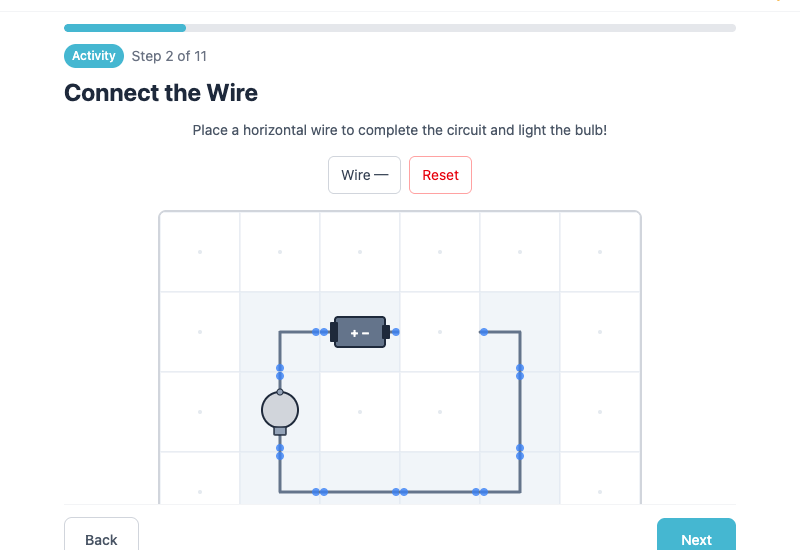
- Connect the Wire — place one horizontal wire to complete a rectangle circuit
- Add the Bulb — figure out where the bulb goes in the path
- Turn the Corner — pick the right corner piece to redirect the wire
Medium Challenges (4-7): Multiple missing pieces. Kids start building larger sections and eventually entire circuits from scratch.
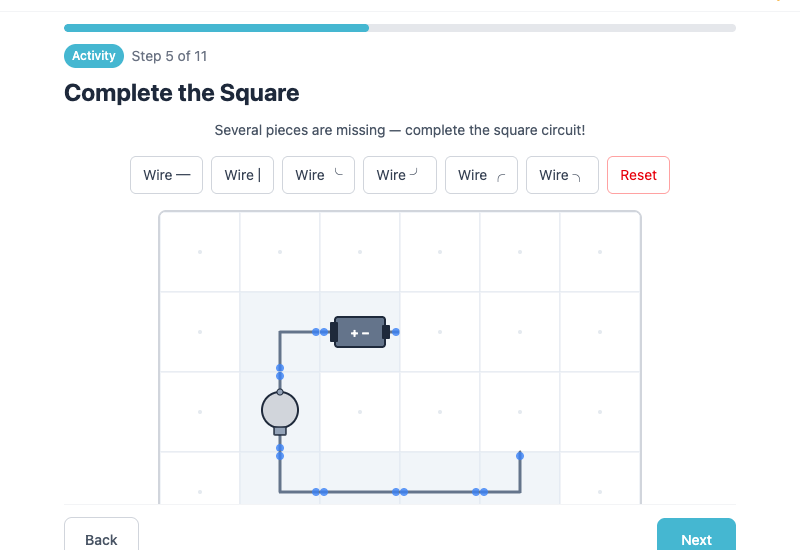
- Complete the Square — fill in 3 missing pieces
- Build Your First Circuit — only the battery is given, build everything else!
- Stretch It Out — connect a battery and bulb that are far apart
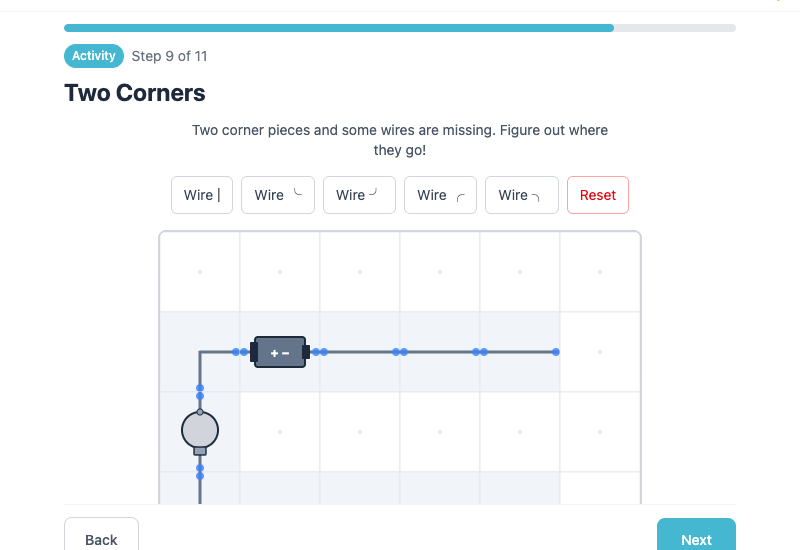
- Two Corners — figure out which corners and wires are needed
Sandbox (8): Complete freedom! An empty grid with every component available. Kids can build any circuit they can imagine.
How It Works
- Drag and drop components from the toolbox onto the grid
- Blue dots show where each component connects
- Green glow appears when the circuit is complete and electricity flows
- Tap to remove a component if you want to try a different approach
- Hints are available if students get stuck
The game works on tablets, Chromebooks, and desktop computers — perfect for a classroom computer lab or 1-to-1 devices.
How to Use It in Your Classroom
Here are some ideas for incorporating Circuit Builder into your lessons:
Whole Class Introduction
- Project the intro slide on your smartboard
- Discuss: "What is a circuit? What do you think electricity needs to flow?"
- Demo Challenge 1 together as a class
- Let students try Challenges 2-4 independently
Station Activity
Set up Circuit Builder as one station in a rotation:
- Station 1: Circuit Builder on devices (challenges 1-7)
- Station 2: Build a real circuit with batteries, bulbs, and wires
- Station 3: Circuit vocabulary worksheet
- Station 4: Draw and label a circuit diagram
Early Finisher Activity
Students who finish other work early can jump to the Free Build sandbox and experiment with creating their own circuit designs.
Assessment
Use Challenge 5 ("Build Your First Circuit") as a formative assessment — can students build a complete circuit from scratch with only a battery provided?
Key Vocabulary
- Circuit — a closed path that electricity flows through
- Battery — a power source that pushes electricity through the circuit
- Bulb — a light that glows when electricity flows through it
- Wire — a connector that carries electricity from one place to another
- Closed circuit — a complete loop where electricity can flow
- Open circuit — a broken loop where electricity cannot flow
- Electricity — a form of energy that powers lights, devices, and machines
Start Building!
Circuit Builder is completely free — no sign-up, no paywall. Just click and start building!
Works on tablets, Chromebooks, phones, and desktop computers.
Love interactive science? Try our free Butterfly Life Cycle lesson, or explore our Plant Life Cycle and Forms of Energy interactive lessons!